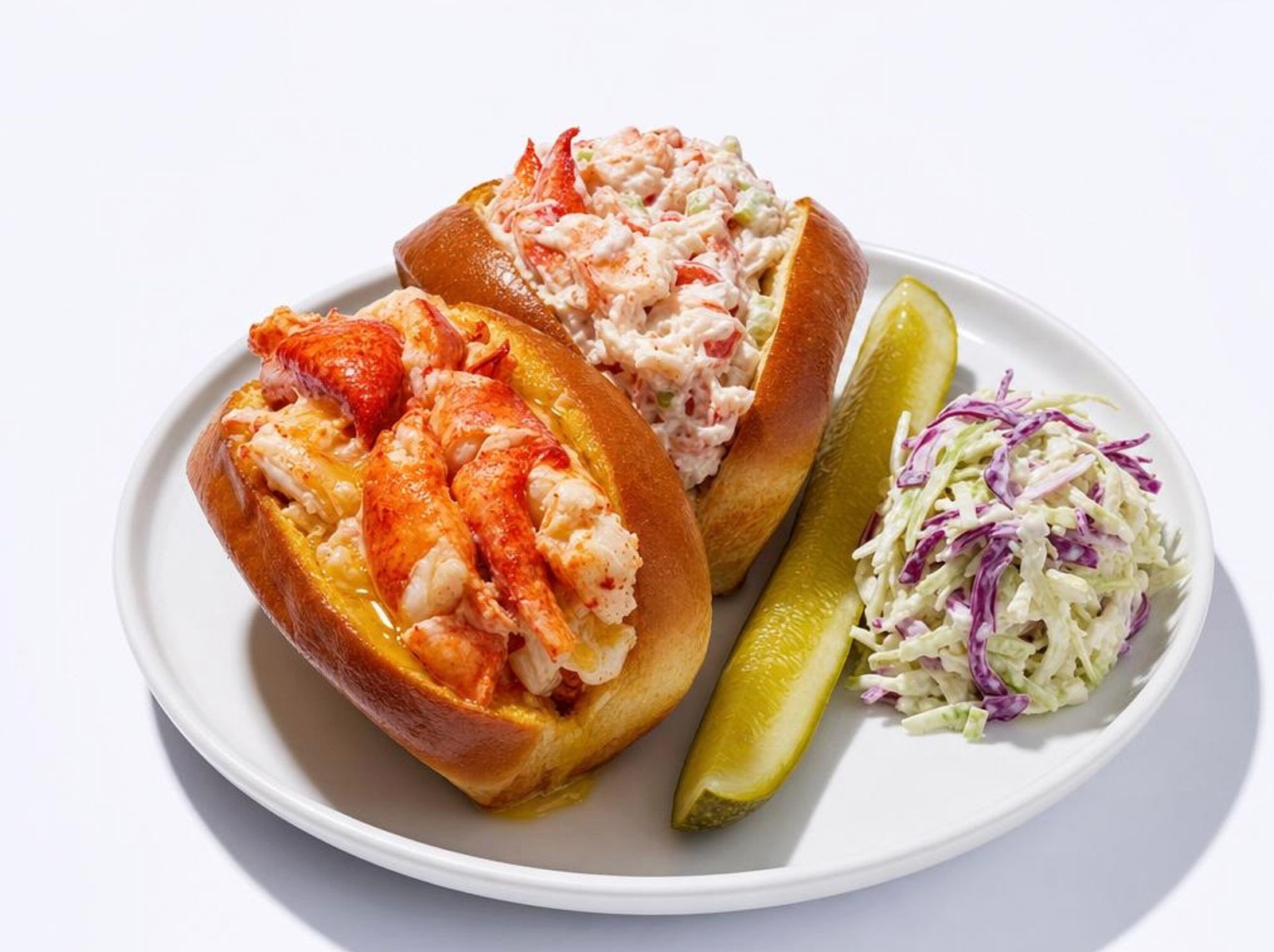
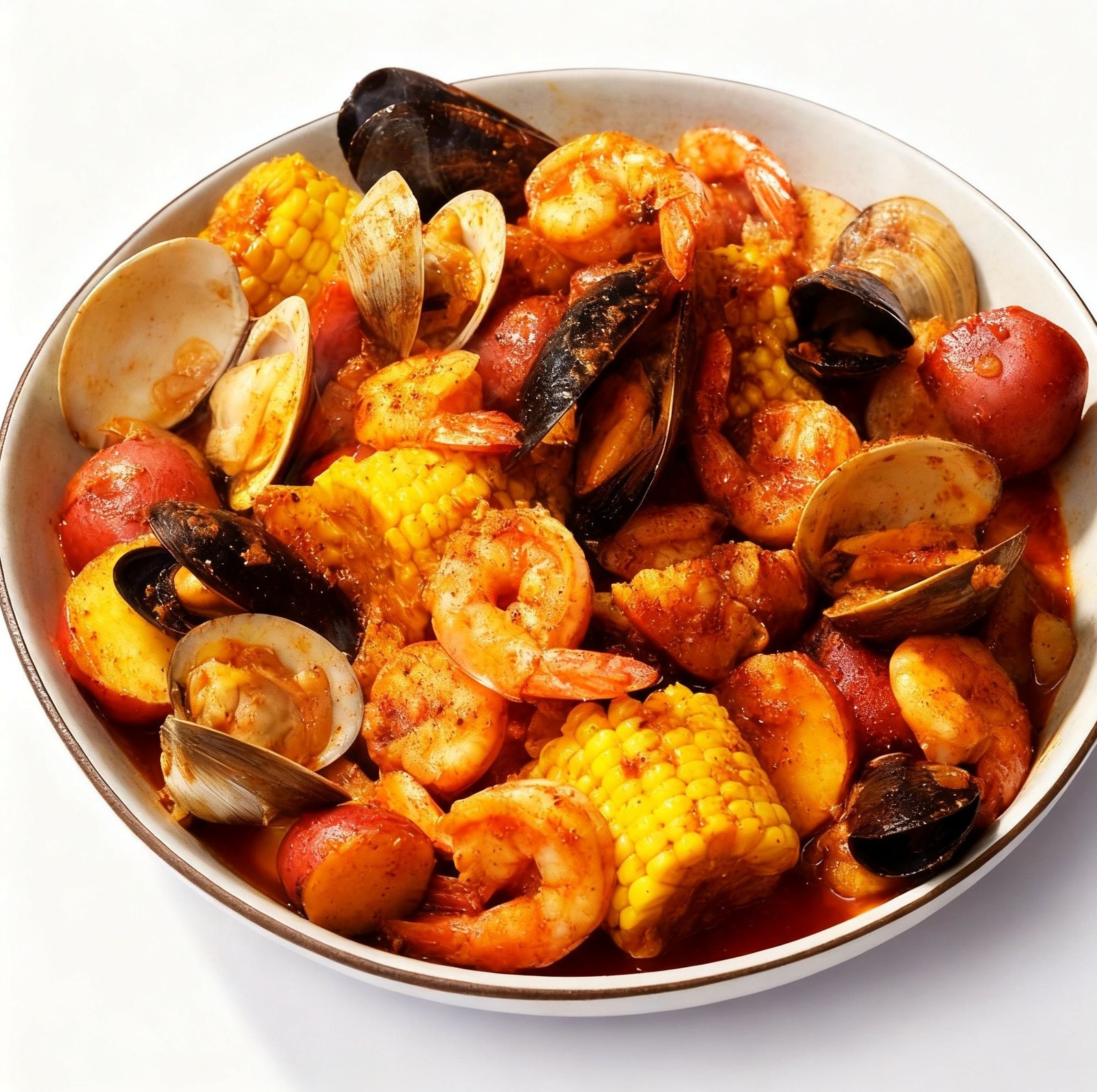
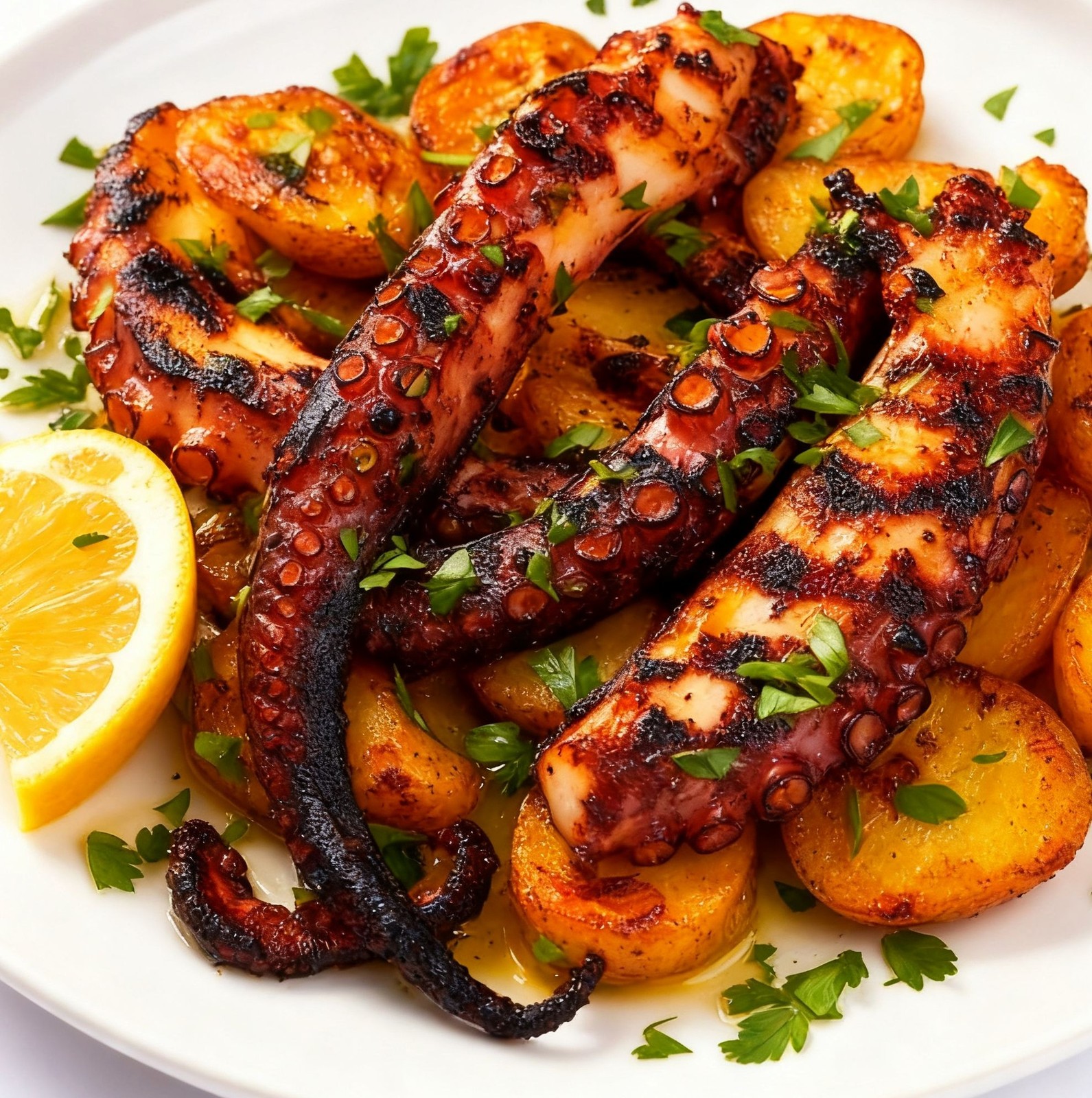
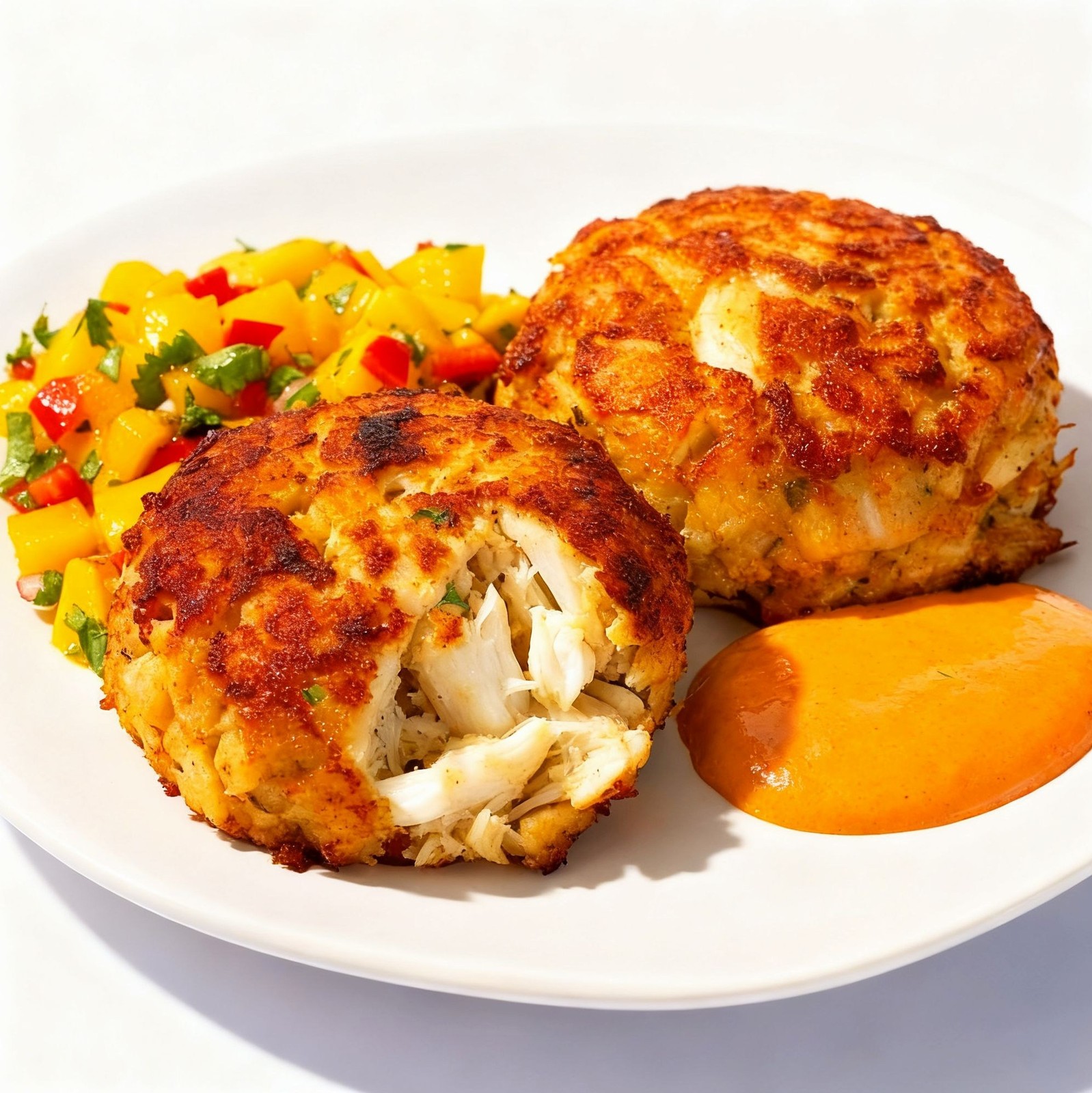
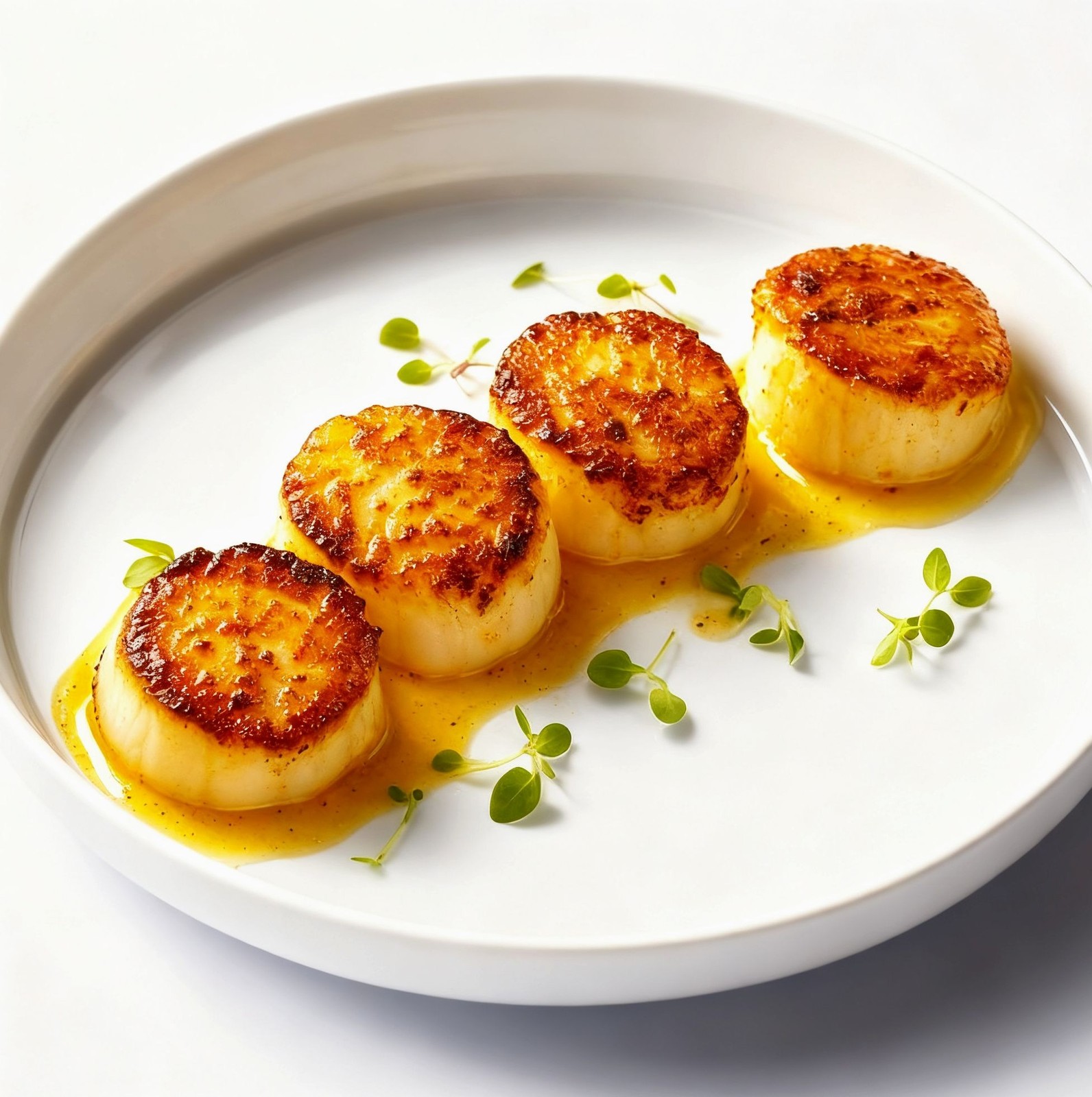
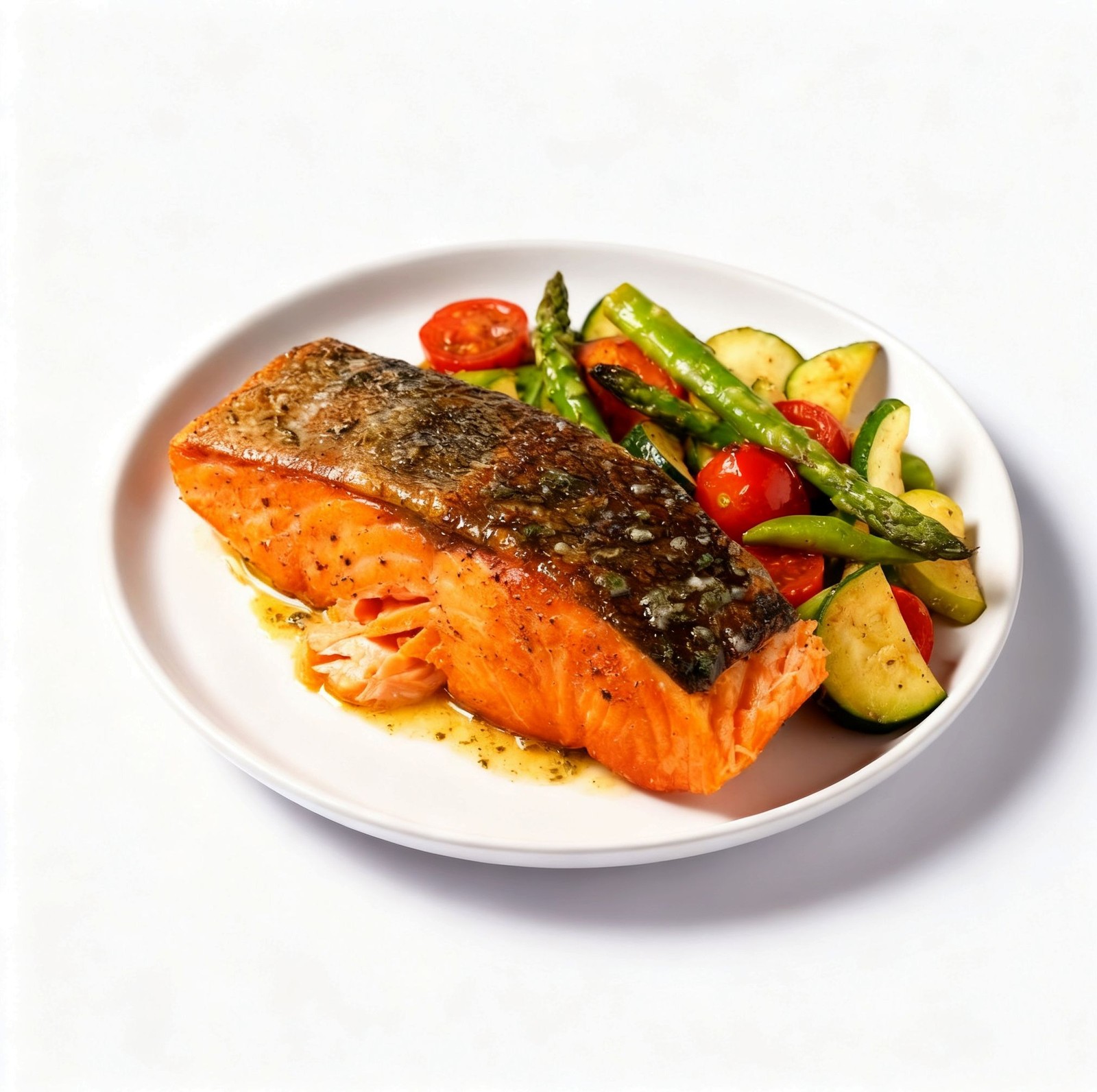
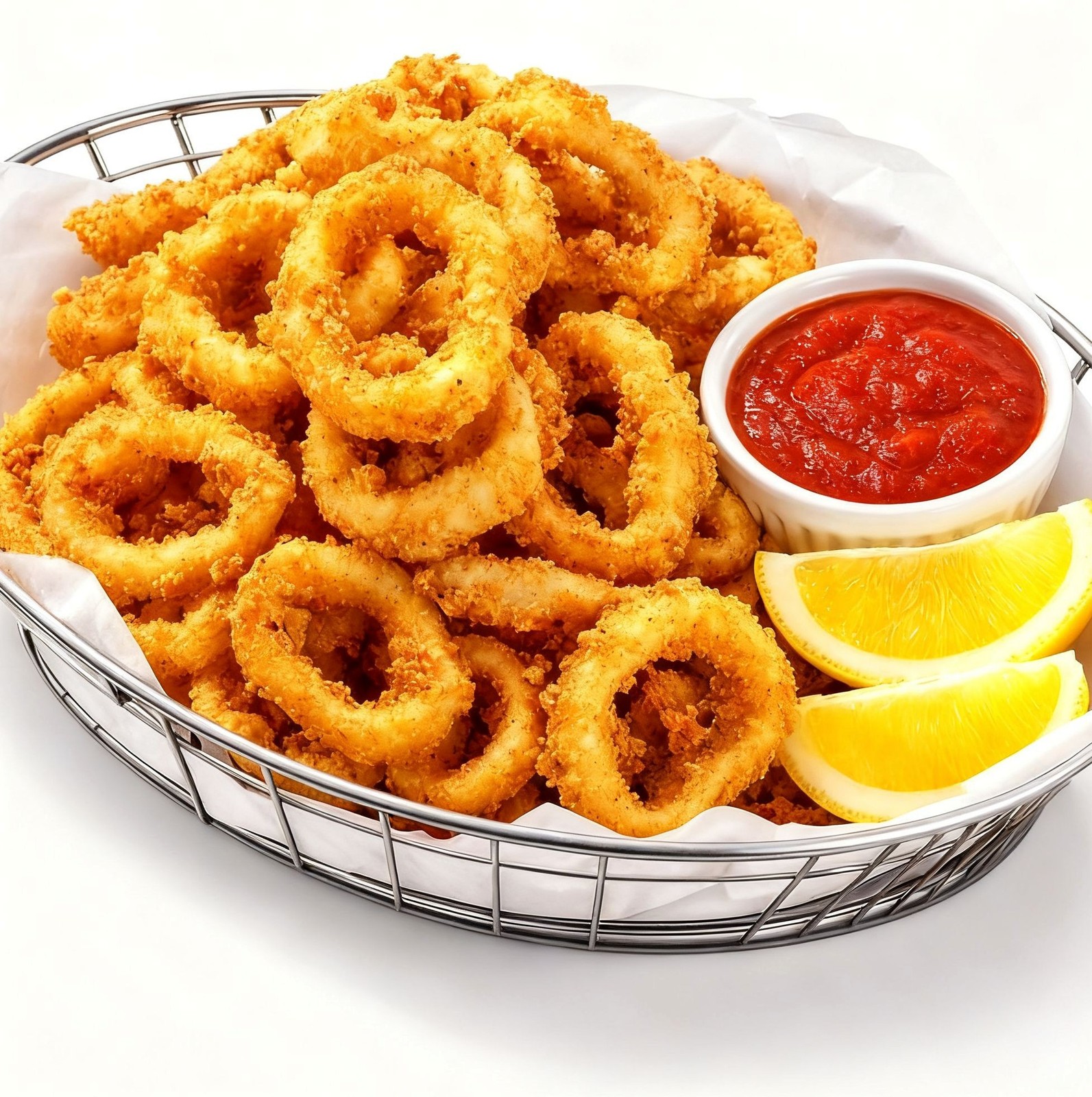
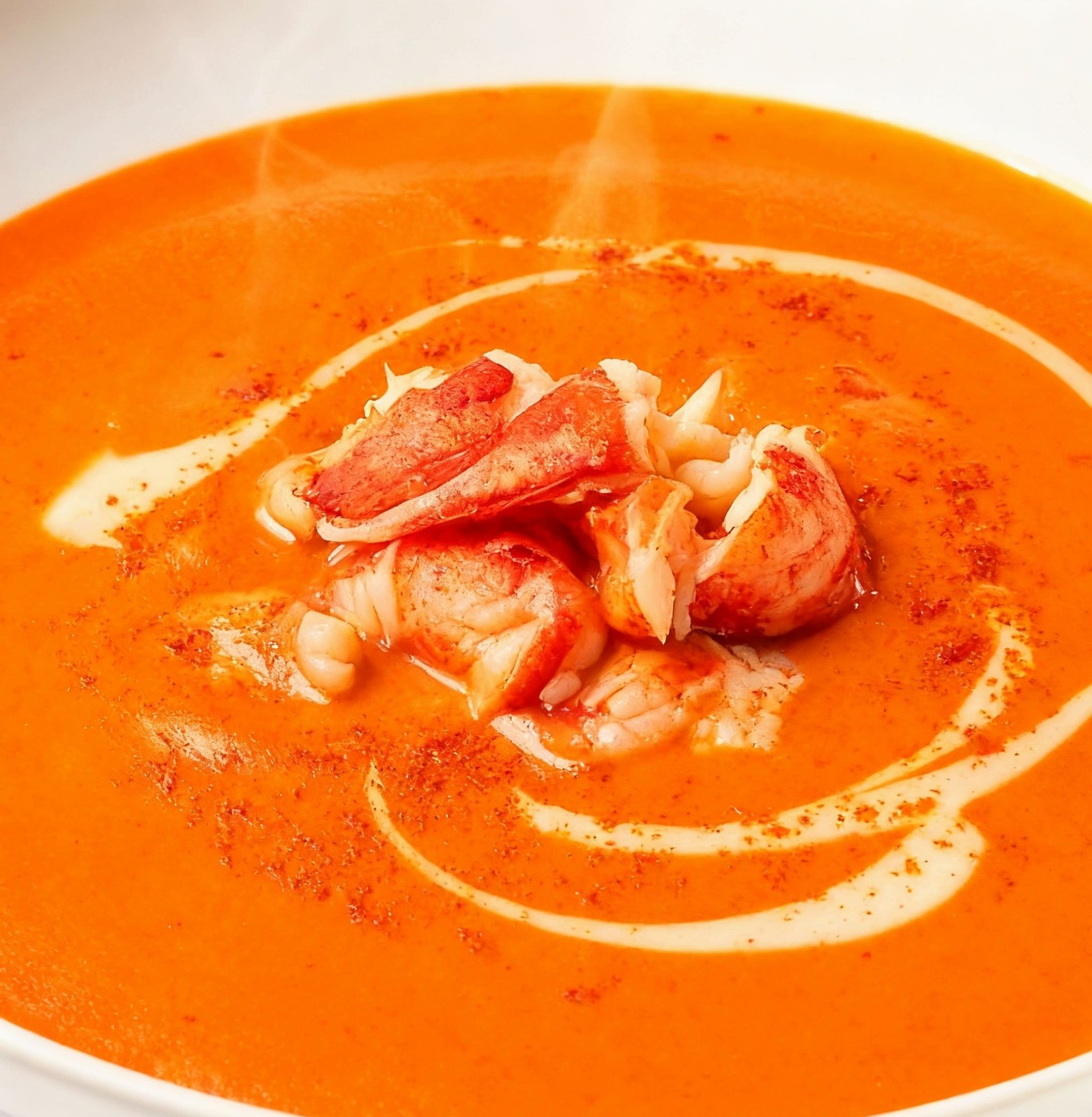
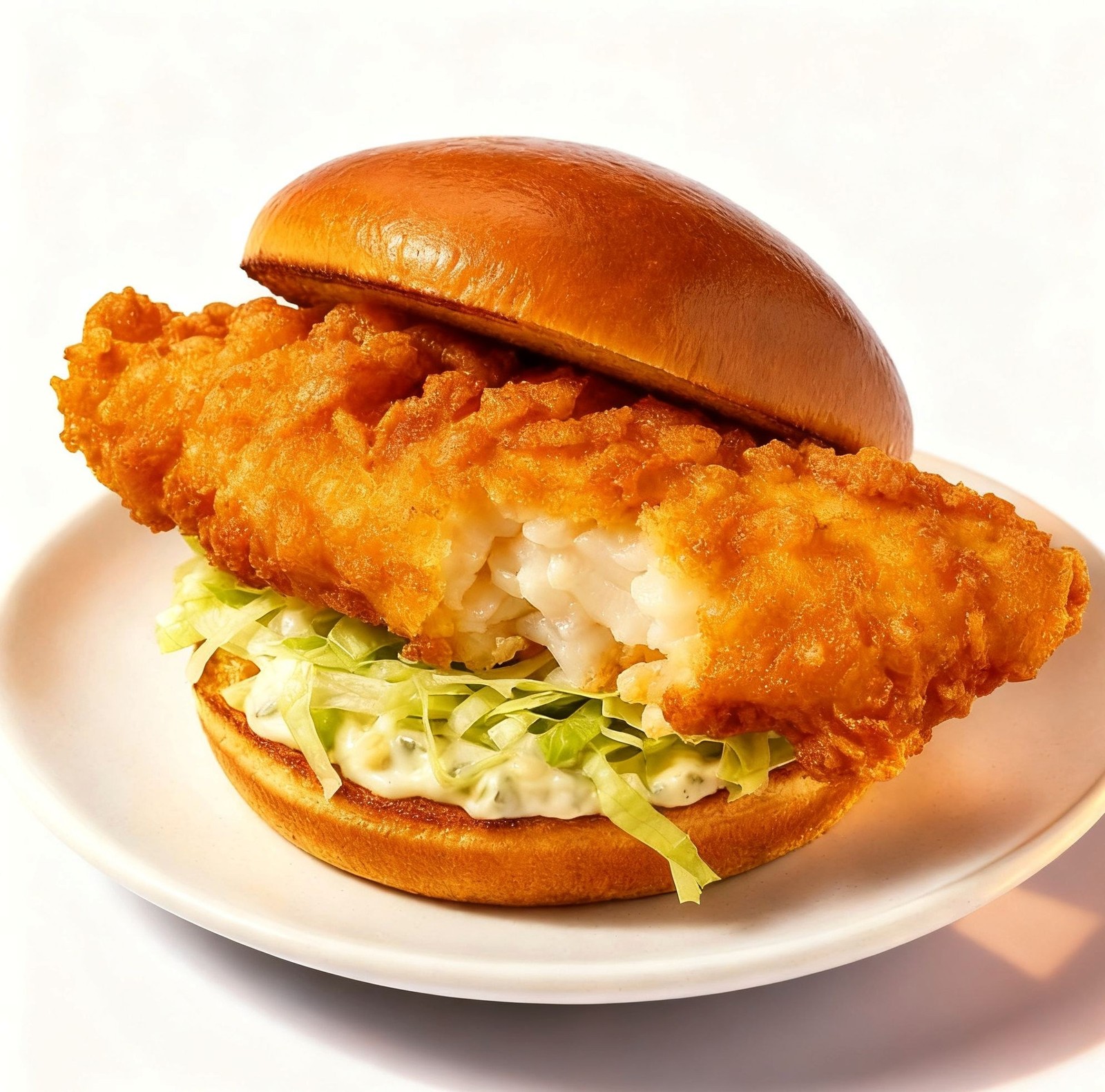
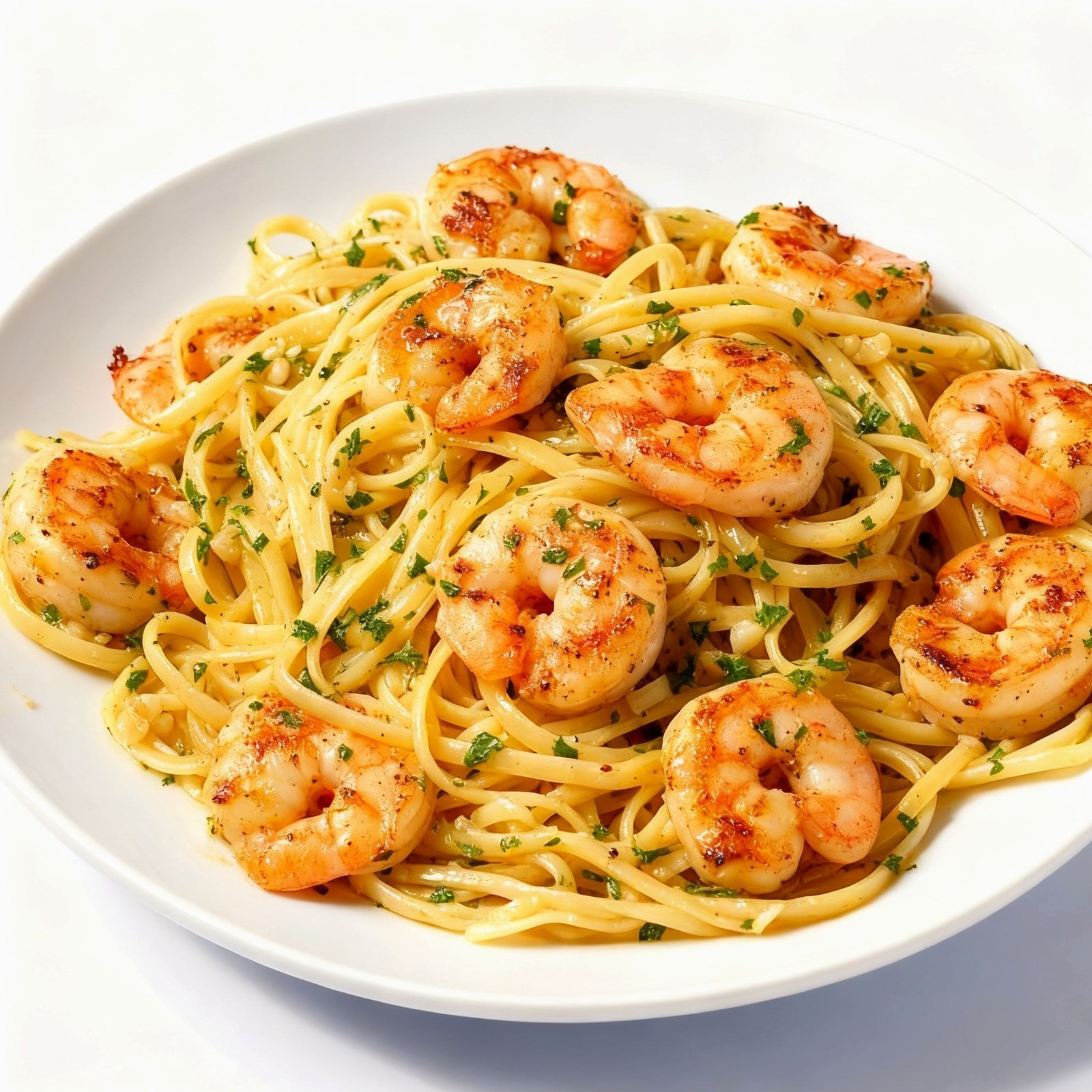
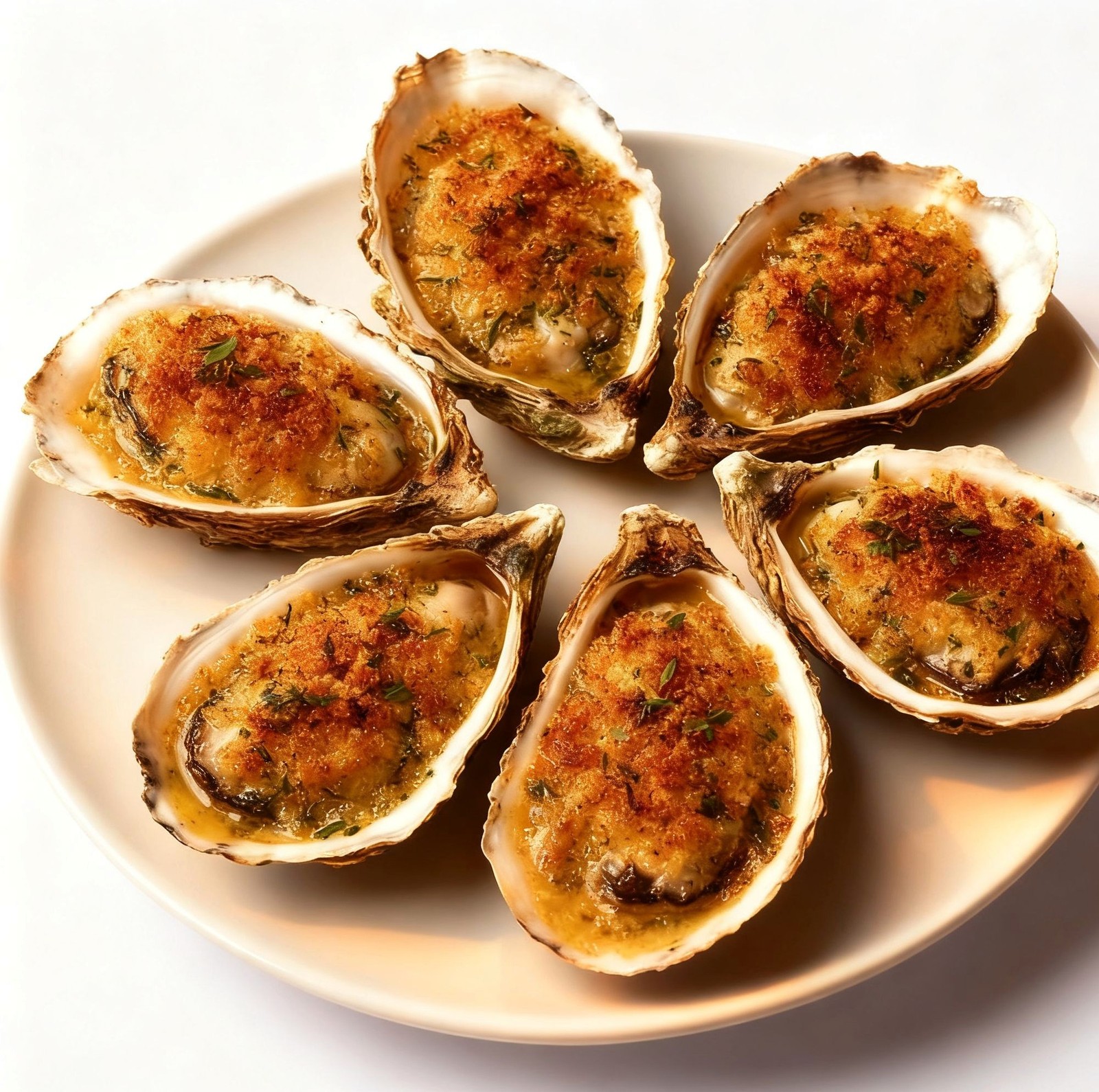
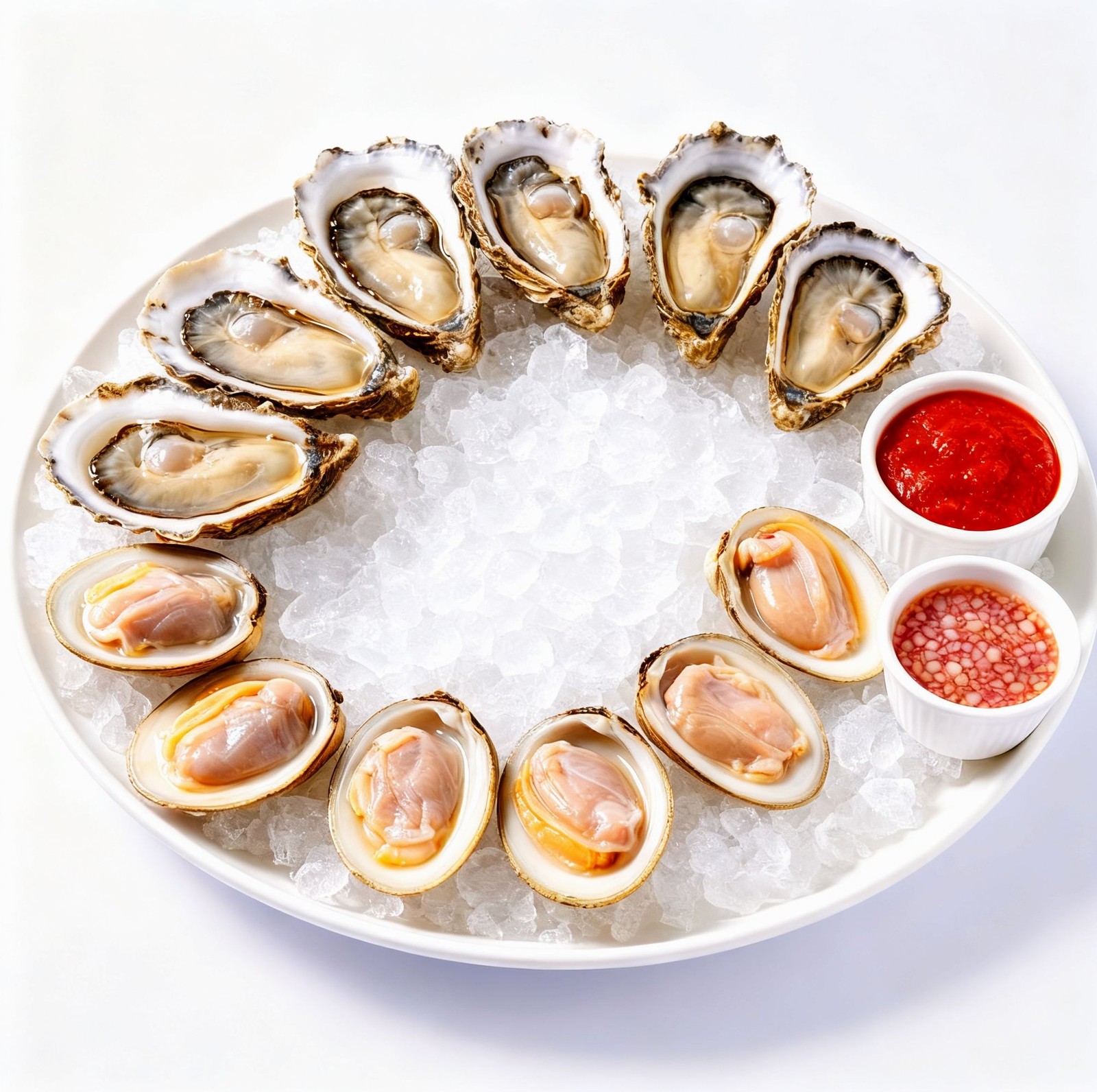
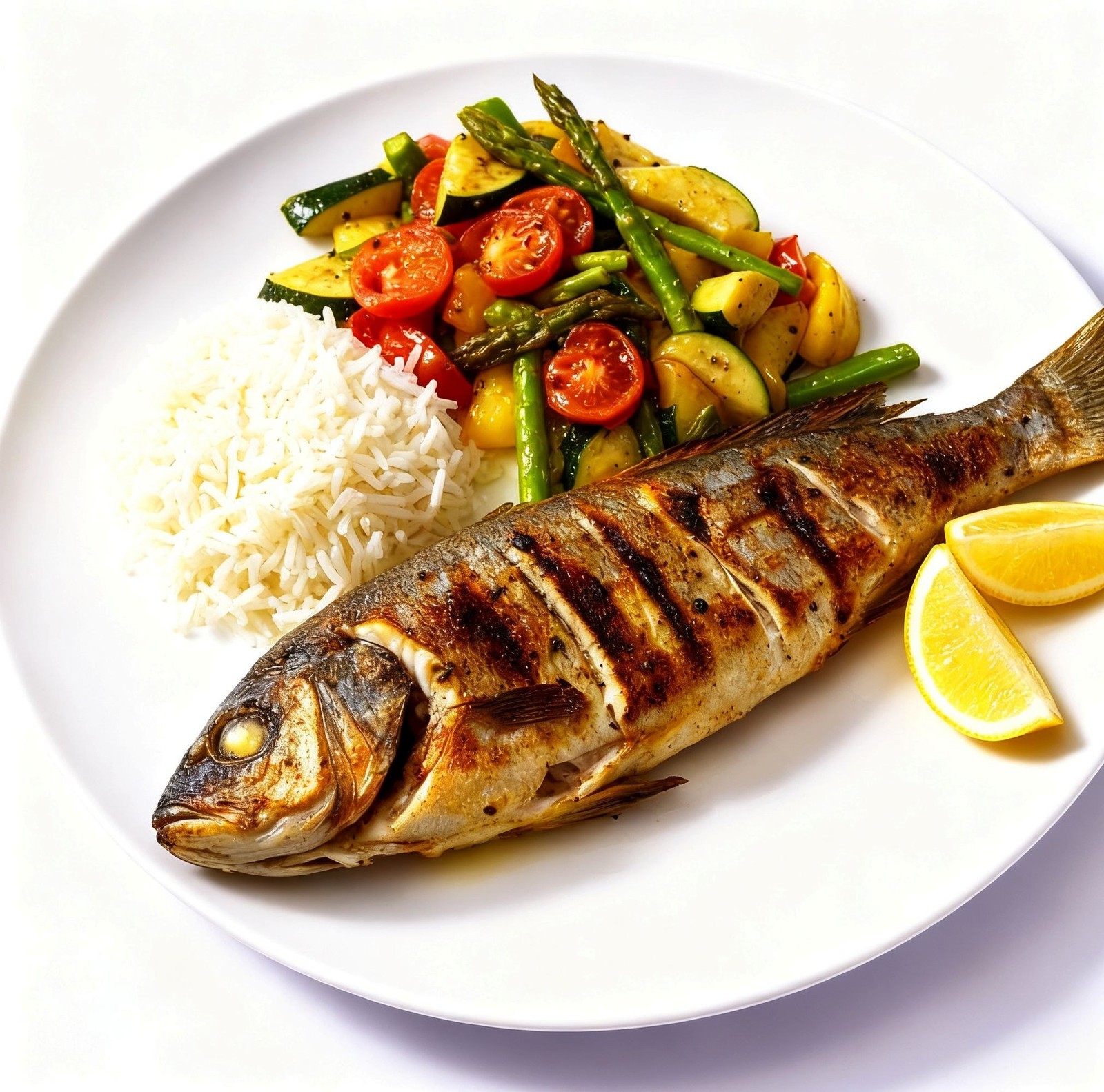
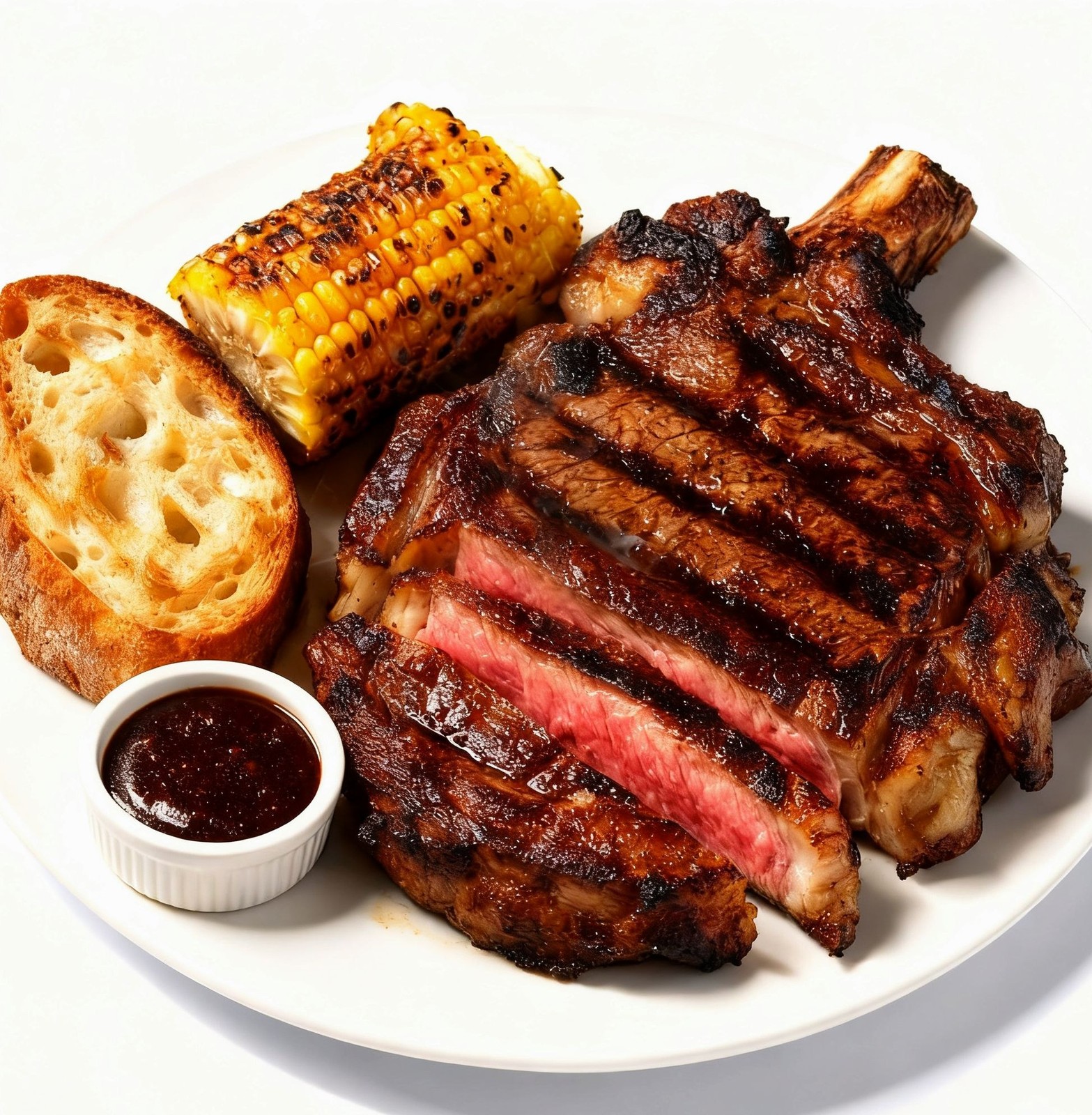
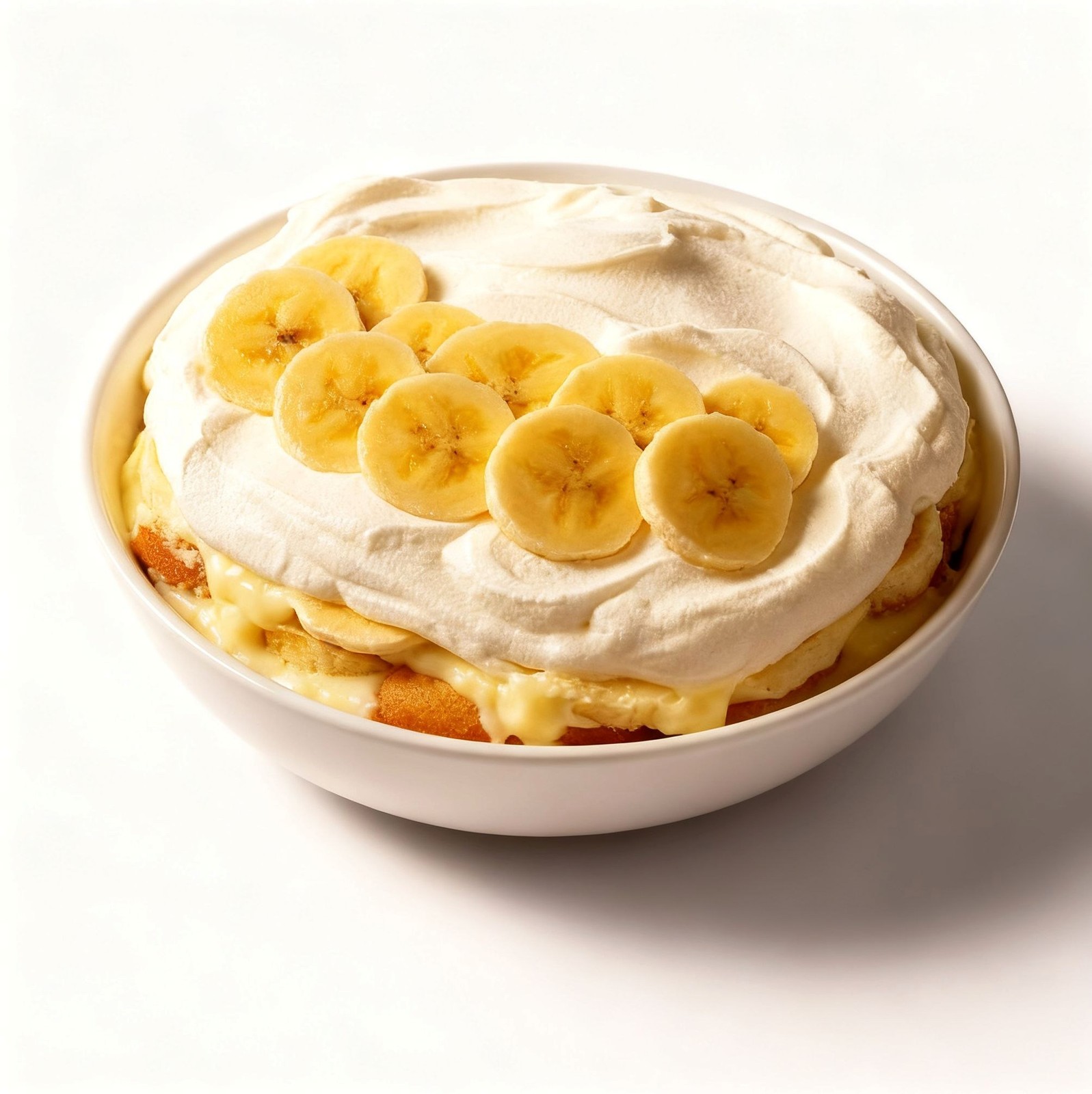
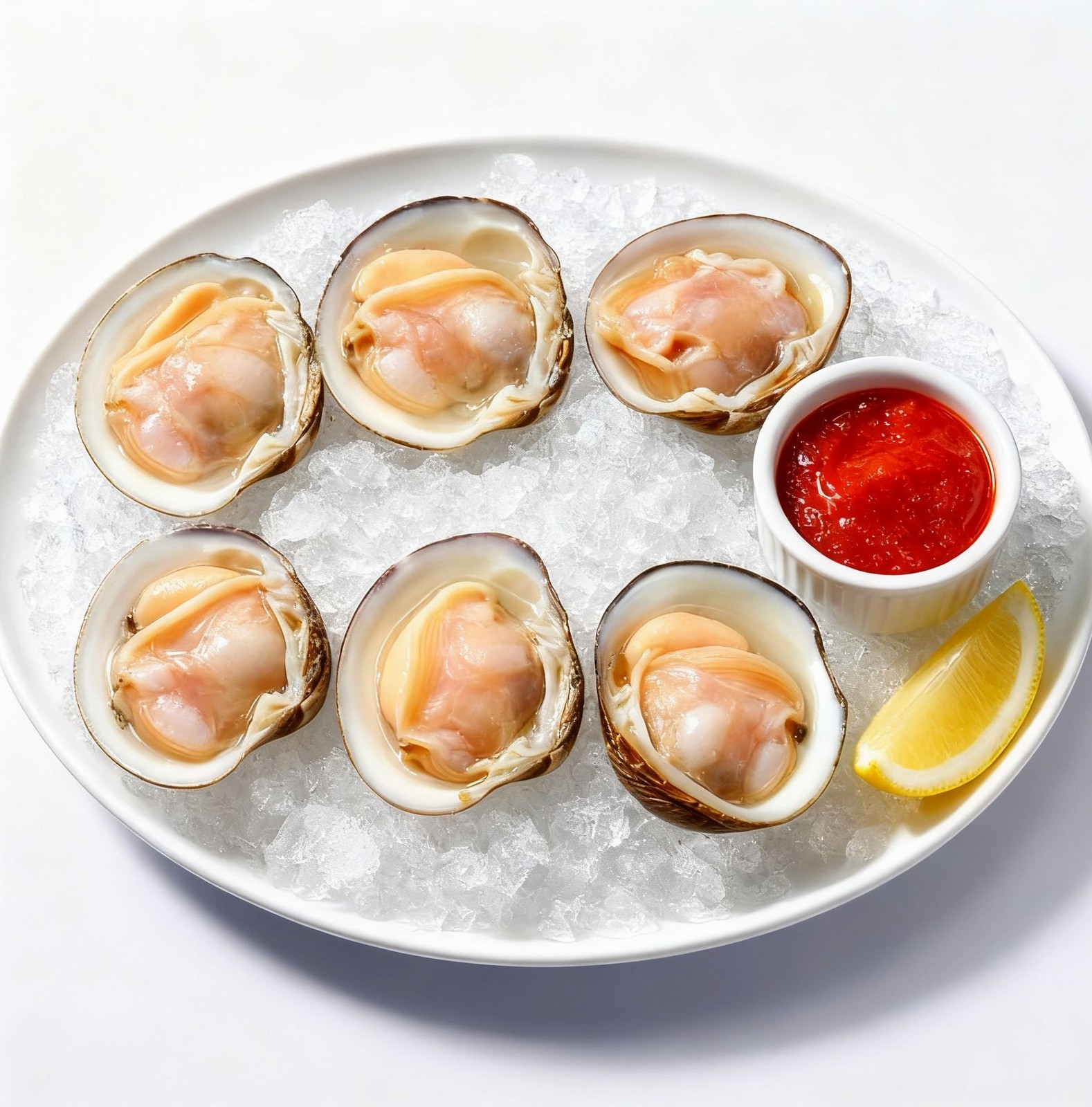
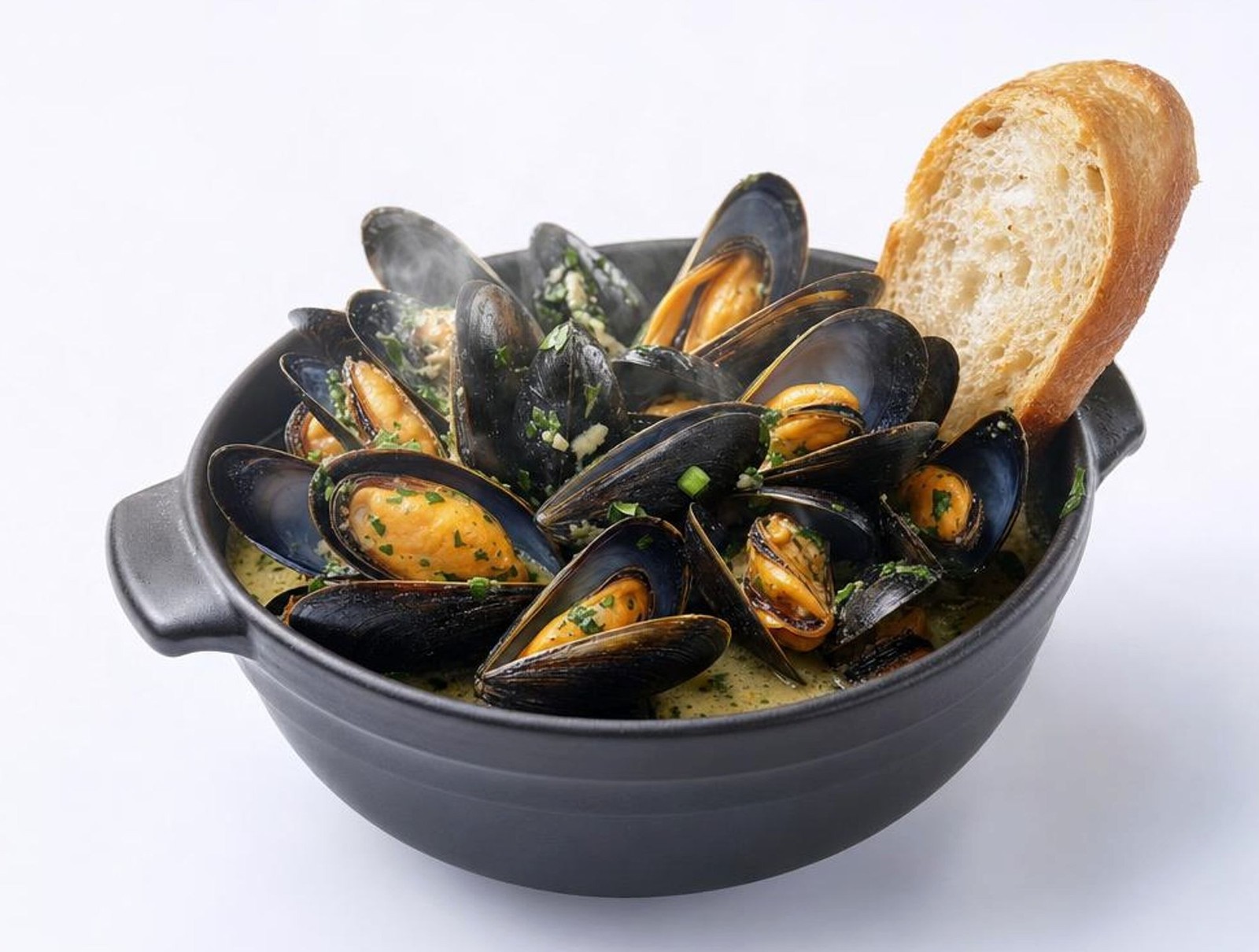
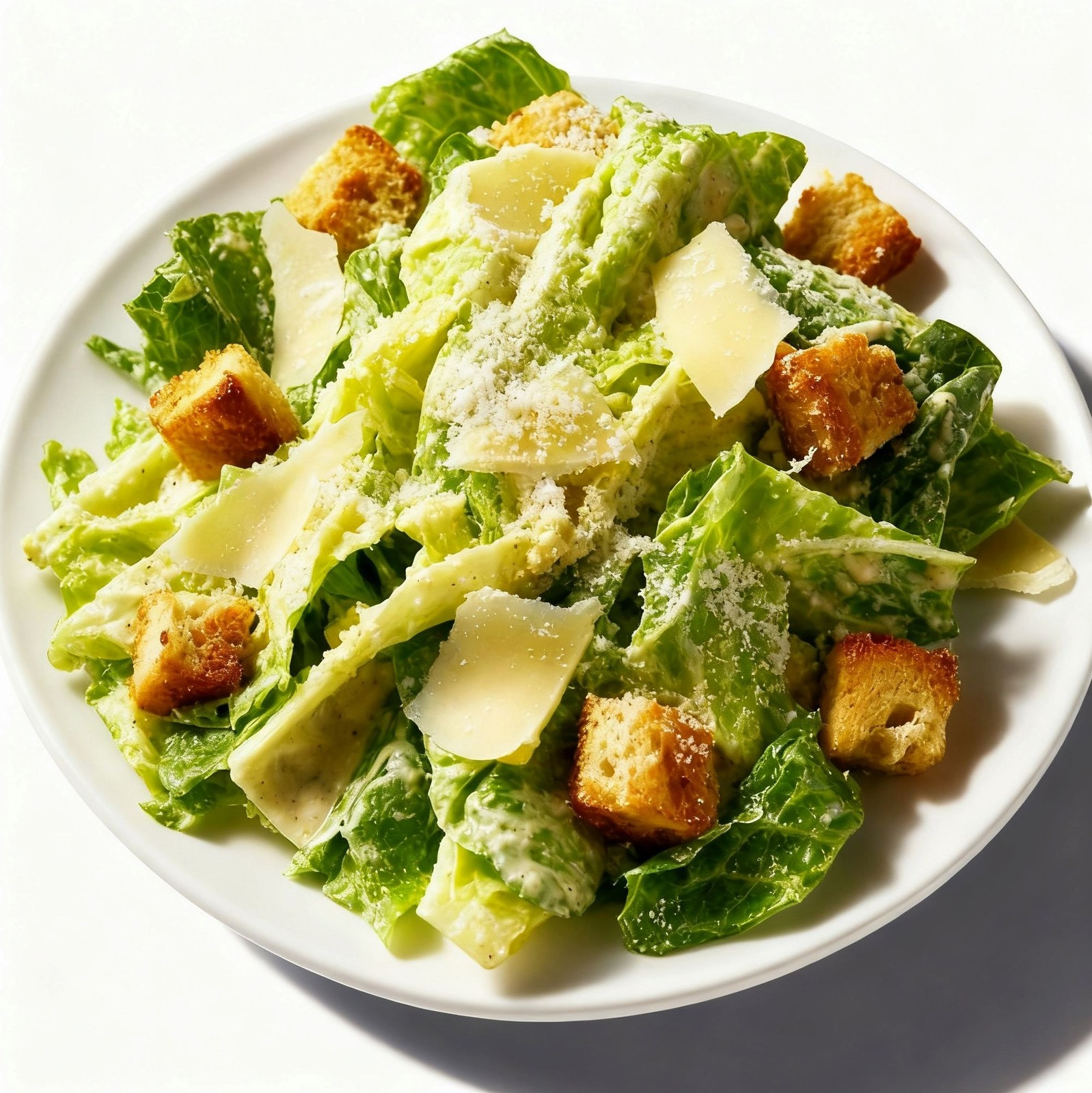
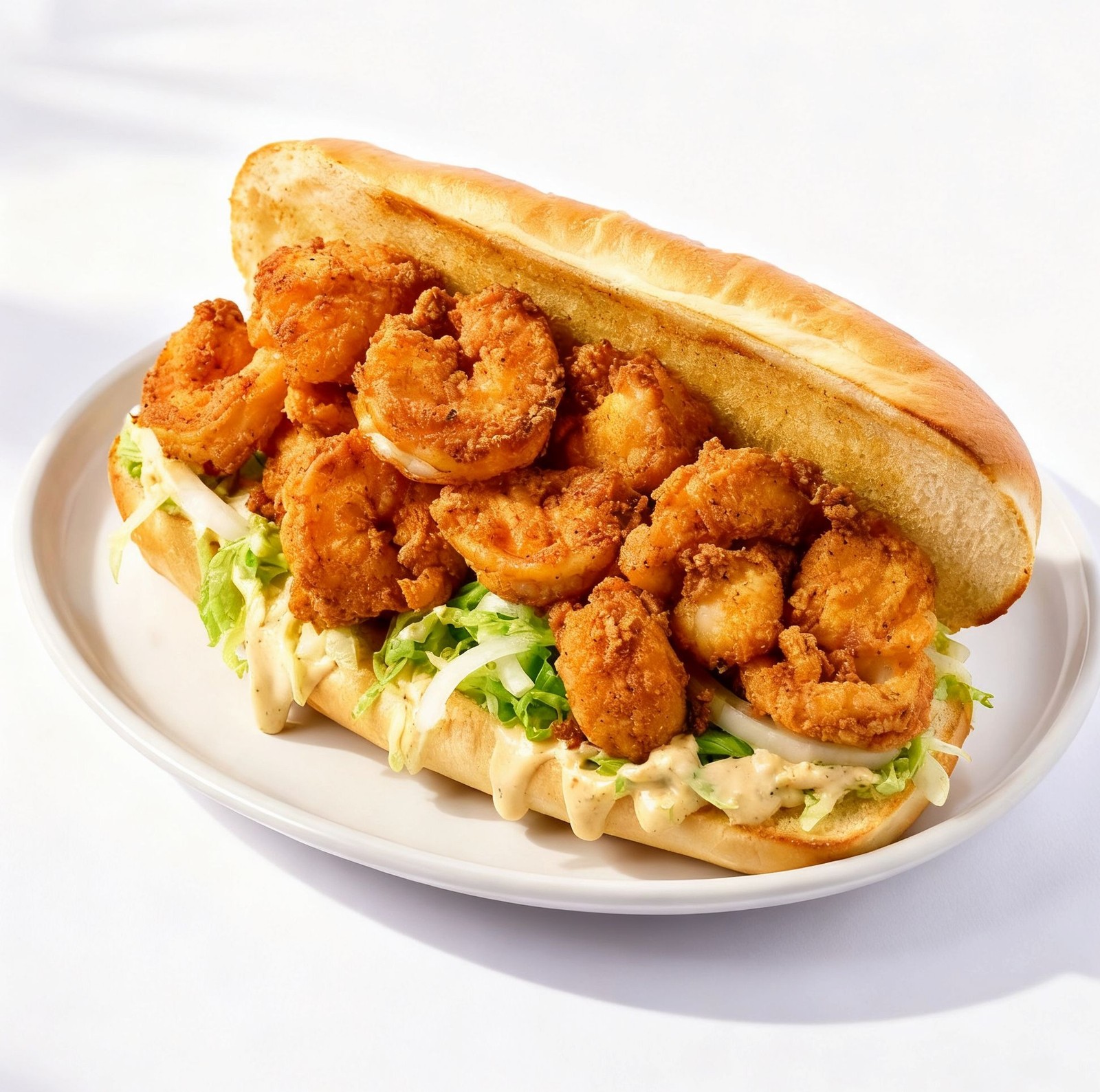
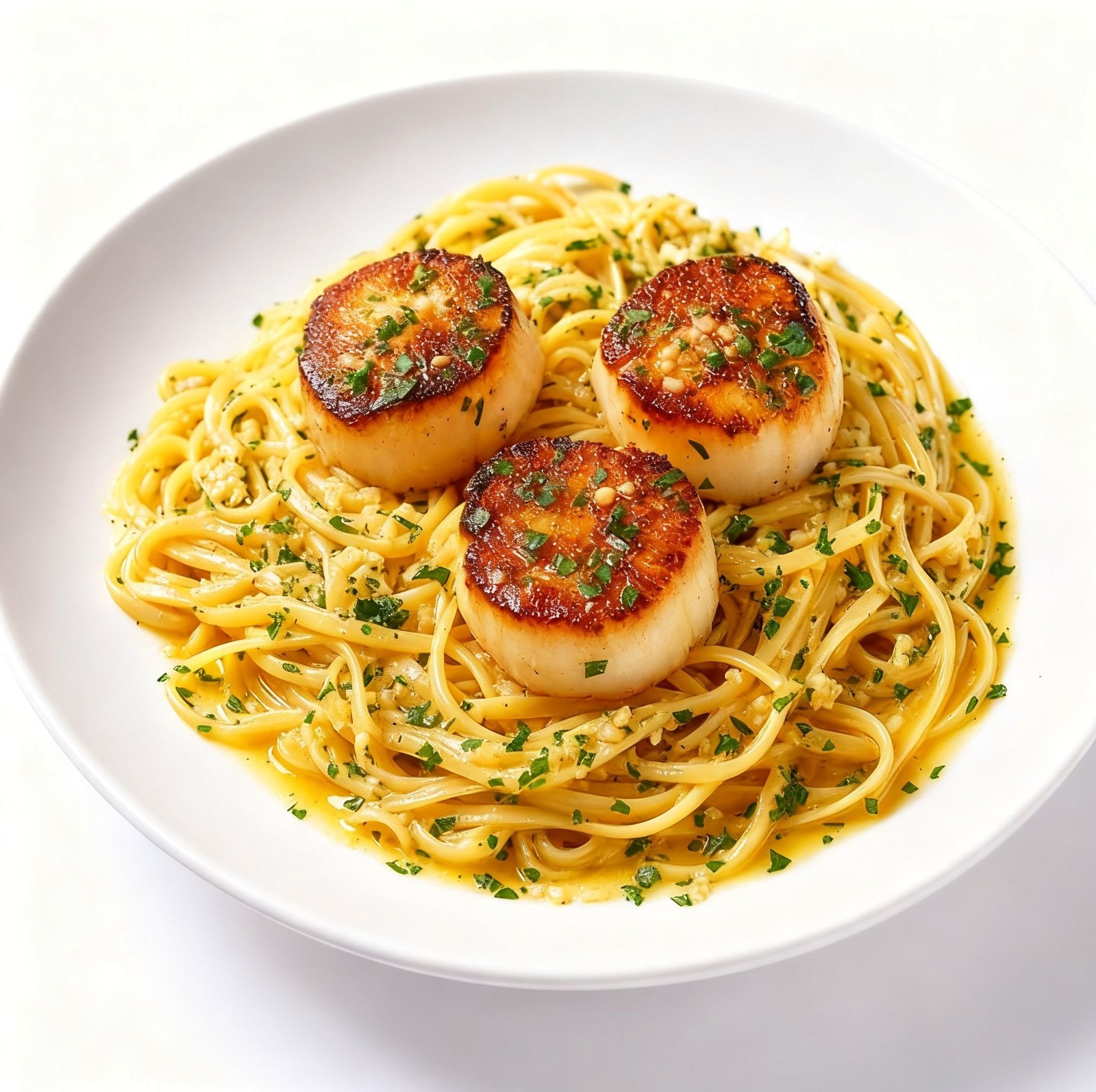
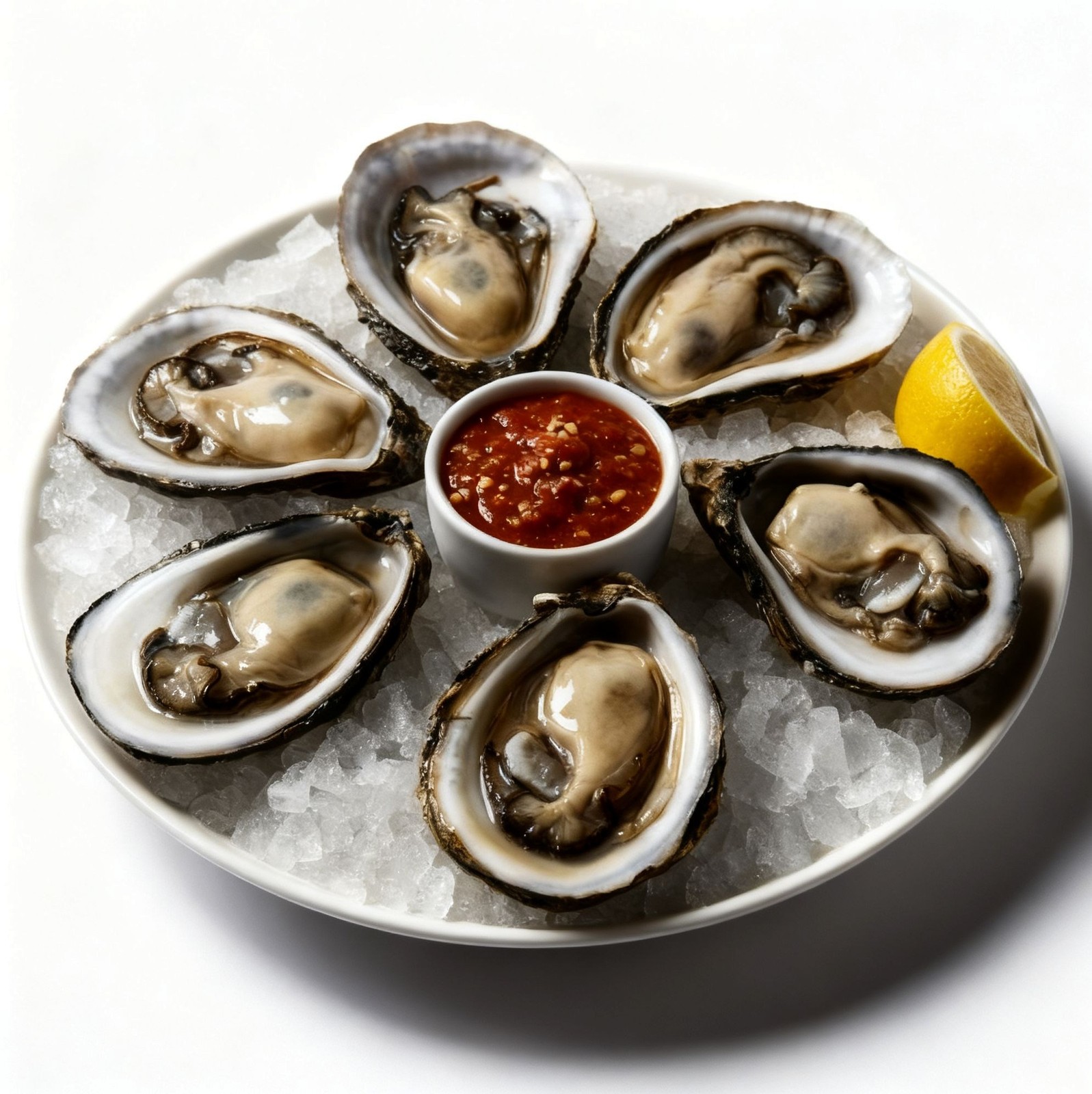
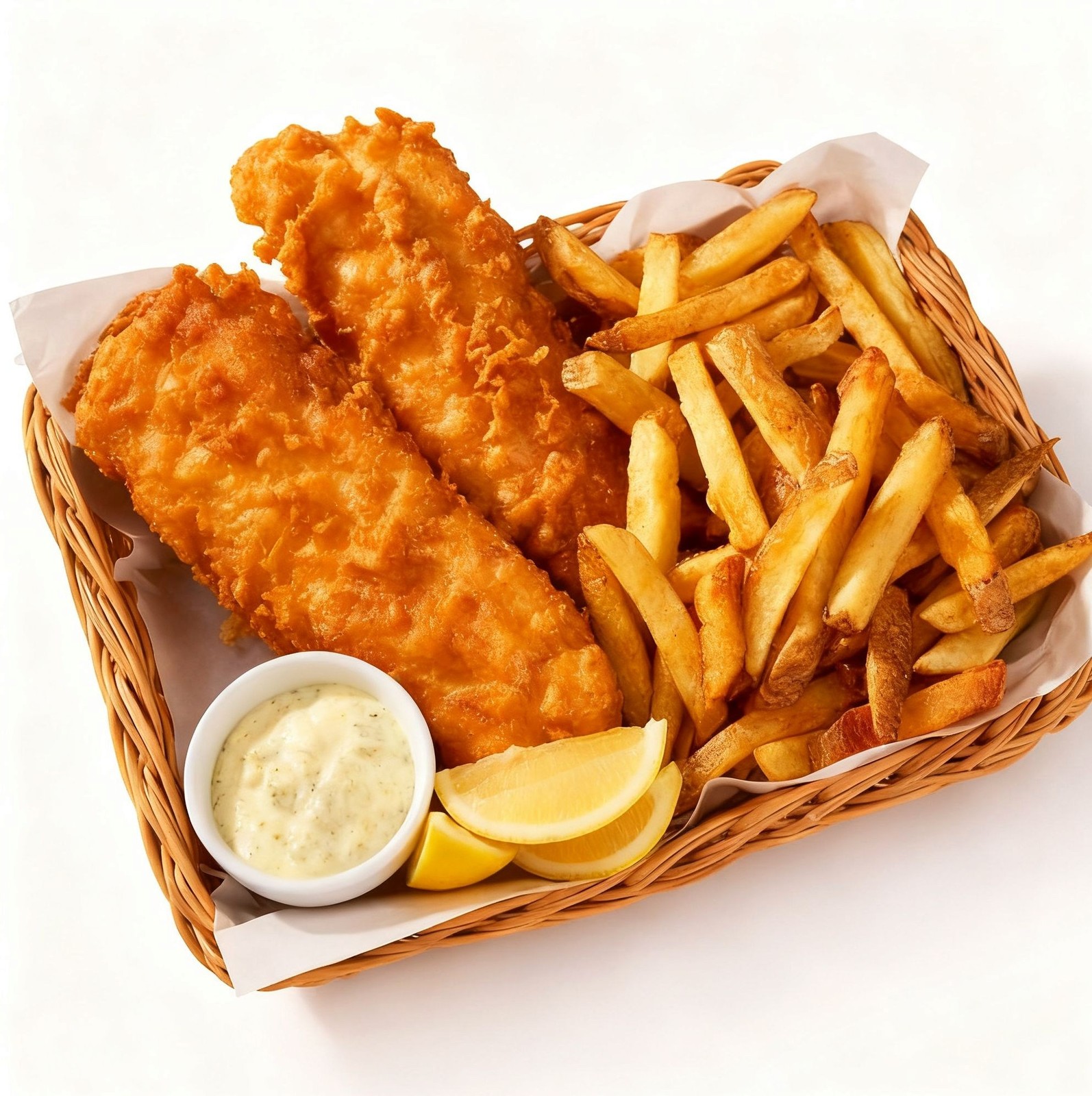
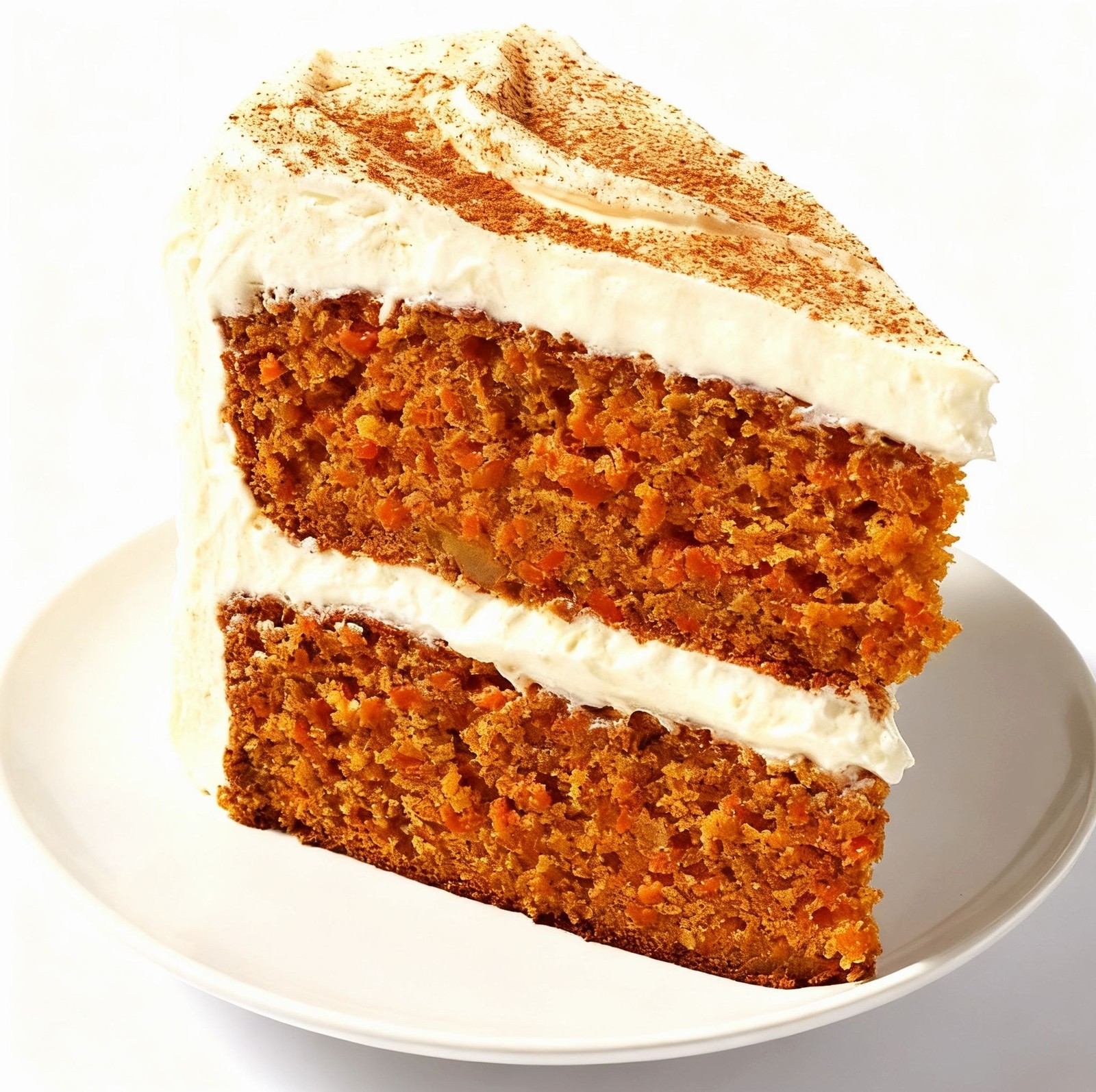
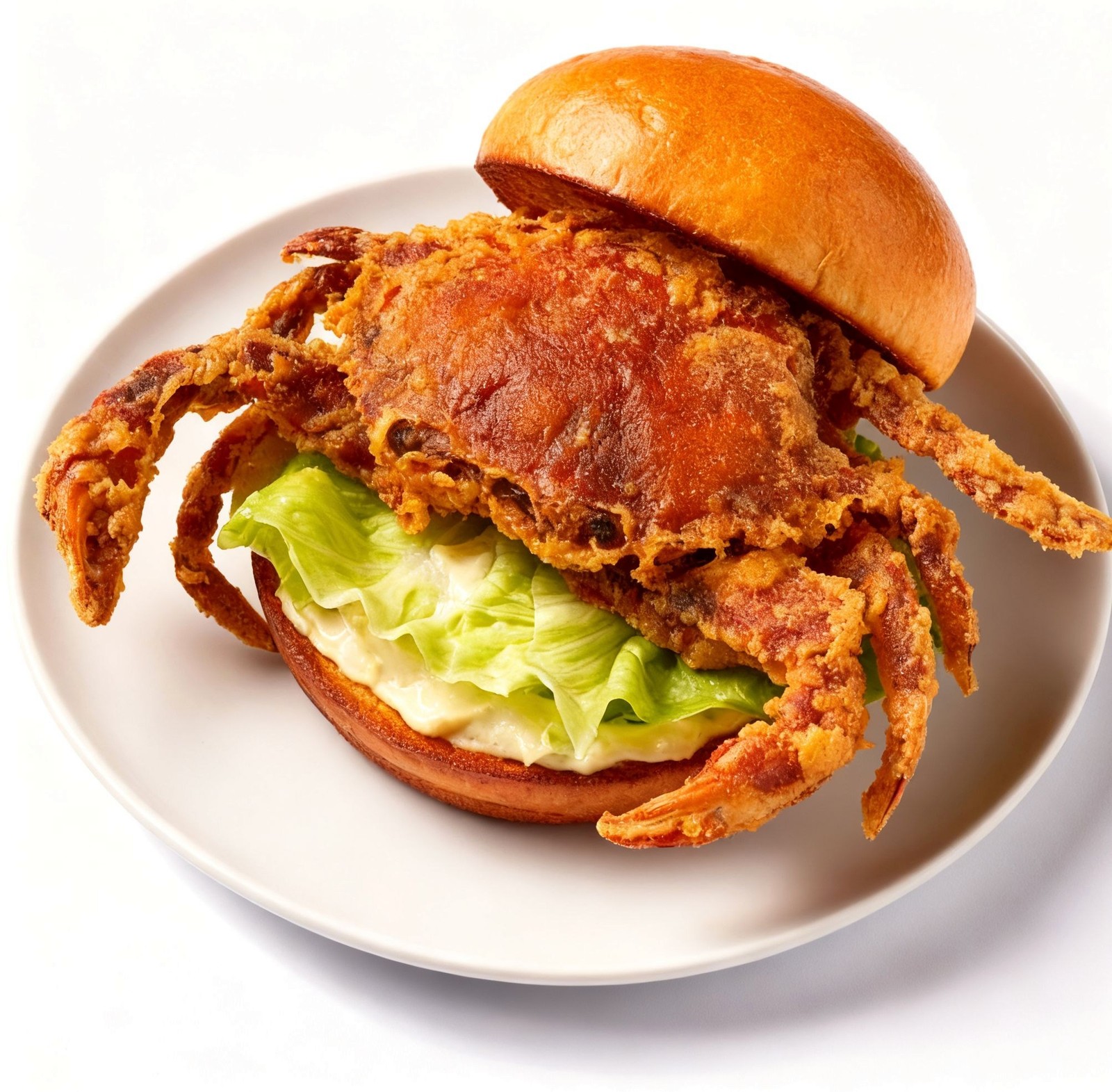
Every item.
Shot to sell.
We photograph your entire menu to platform standard, with no shoot dates, no photographer, and no camera equipment — live within minutes to hours of your build.
No photo. No click.
Items without photos average 30 to 50 percent fewer clicks. The average delivery menu has 40 to 80 items. Every missing photo compounds across every item on every shift.
Photos are weighted in the search ranking algorithm. Missing images push items below the fold.
Photo presence is a quality signal. Items without photos receive lower organic placement.
Photo-complete menus are flagged as higher quality. Missing photos reduce visibility in search.
Every photo starts with
a deep read of the dish.
Every parameter. Yours to set.
Each photo is built from a detailed set of creative controls. Every item can be tuned independently, or styled as a collection.
Style templates
Global visual register. Sets the mood before any detail is tuned.
54 items. One build.
Produced in our proprietary
photo studio pipeline
Send us what you have.
We will make it work.
People eat with their eyes first. A phone photo taken mid-service with bad light and a cluttered table still contains the truth of the dish. We extract that truth and rebuild everything else around it, with no photographer, no studio booking, and no scheduling — which saves restaurants hundreds to thousands of dollars on traditional photoshoots.
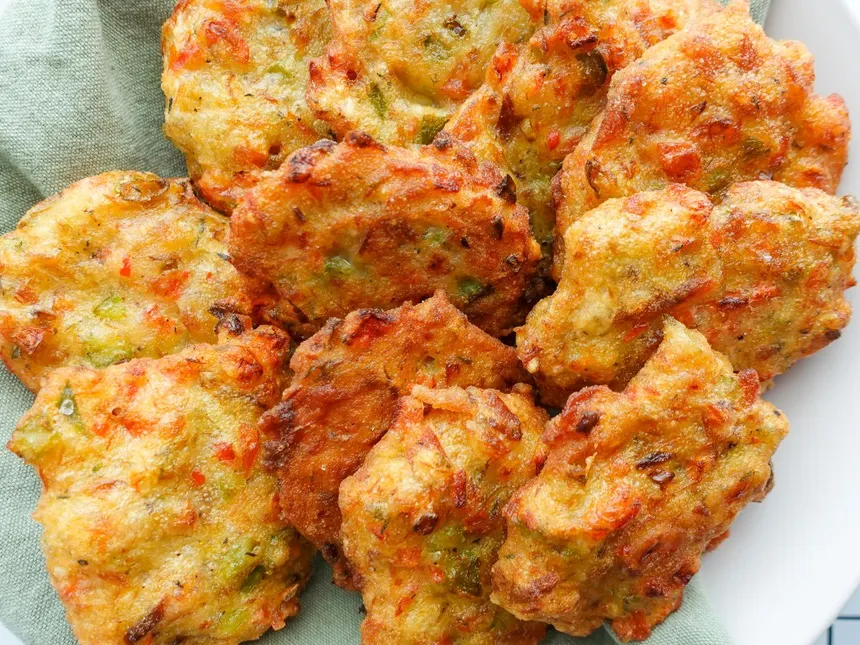
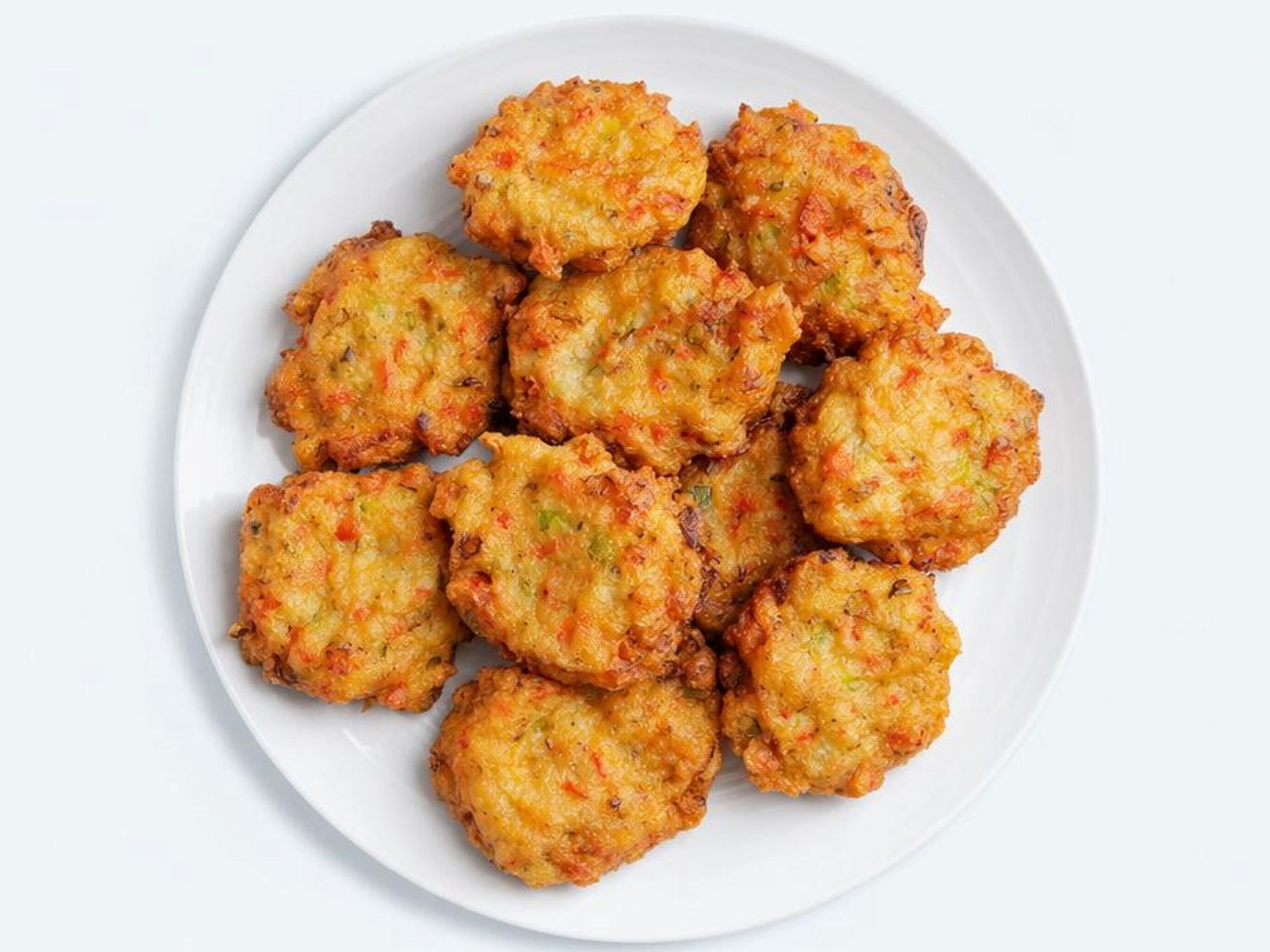
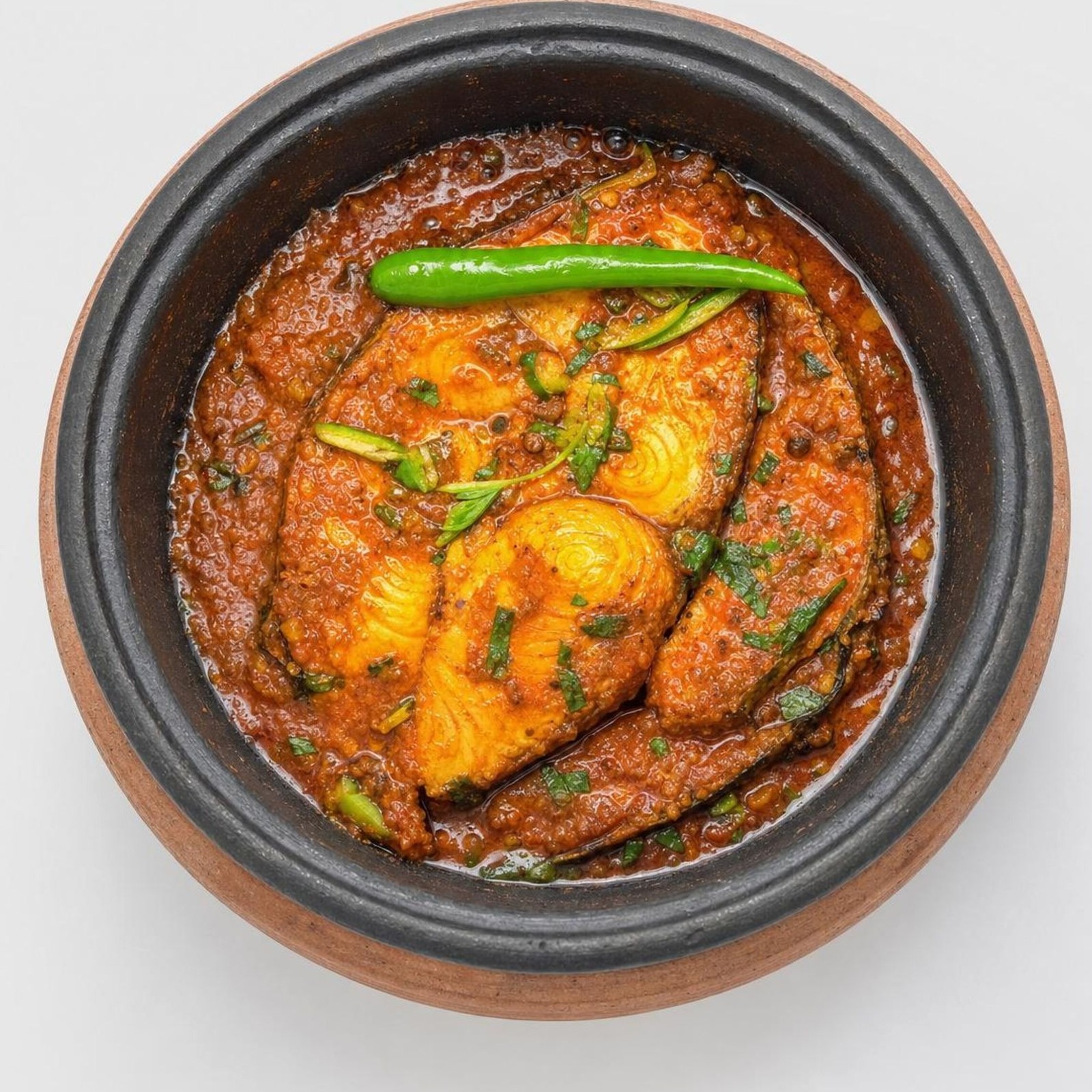
What we extract from your photo
- The dish itself: shape, volume, how it sits on the plate
- Color palette: dominant tones, sauce, garnish
- Plating intent: what the chef was building toward
- Ingredient composition: what is always present vs. optional
What we rebuild around it
- Background: removed, replaced with the right surface
- Lighting: corrected to match the cuisine register
- Angle: reframed to the platform-optimized view
- Garnish: filled in where absent or out of frame
- Sharpness: restored from blur or low resolution
The result looks like it was shot in a controlled studio.
The source can be a phone photo taken at 9PM with kitchen lighting and someone's arm in the background. Our proprietary pipeline extracts the dish and rebuilds every visual element around it to platform standard.
Questions about the studio.
No. We work entirely from your menu: item names, descriptions, categories, and modifier groups. Everything we need to understand your dish comes from how it is listed and how it fits inside your menu architecture.
Yes. Once delivered, the photos are yours. They are produced exclusively for your menu and not reused for other restaurants. You can use them on your own website, social media, and print materials in addition to the delivery platforms.
Revisions are included. If a photo does not match how the dish looks or feels on your menu, we rework it. You can reference any specific detail: a different angle, a different background, a closer crop. We adjust.
Yes. Virtual brands built through Ondine include photography as part of the build. Every item on the virtual brand's menu is photographed before the storefront goes live. The same process, the same standard.
New items added through Ondine trigger an automatic photo queue entry. The item is photographed and pushed live as part of the next build cycle. You do not need to request this manually.
Your menu deserves
to be seen.
Studio photography is included in every Ondine build. It is not an add-on. Every item, every platform, live before your store goes public.